
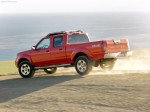
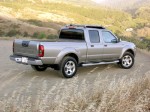
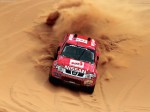
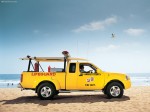
Nissan Frontier (2004)
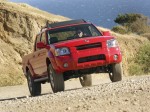
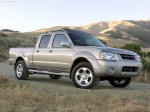
Nissan Frontier / Gallery / Nissan Frontier (2004)
|
|
|
|
|
|
See also:
Battery
If the battery is not fully charged during
extremely cold weather conditions, the battery
fluid may freeze and damage the battery. To
maintain maximum efficiency, the battery should
be checked ...
Vehicle information display
1. Outside temperature
2. Clock
3. Operation indicators and warnings
— Trip computer
— Cruise control
— Settings menu
— Intelligent Key operation*
4. Odometer
5. Twin trip od ...
Power for an Active Lifestyle
The heart and soul of the Frontier is its rugged F-Alpha platform. Starting
with a full-size, fully boxed ladder frame, the F-Alpha platform provides a
rugged foundation on which to build. Constru ...