
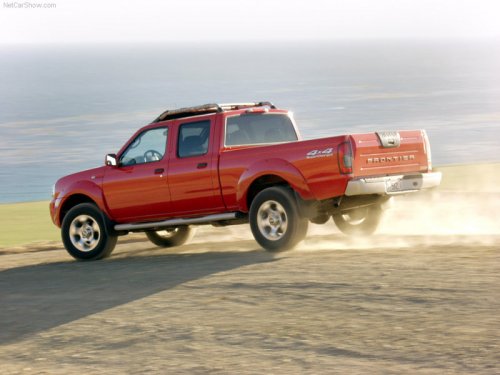
Nissan Frontier
Nissan Frontier
See also:
Brake fluid
For additional brake fluid information, see
“Capacities and recommended fuel/lubricants”
in the “9. Technical and consumer information”
section of this manual.
- Use only new fluid ...
Outside mirrors
Outside mirrors
Objects viewed in the outside mirror on
the passenger side are closer than they
appear. Be careful when moving to the
right. Using only this mirror could cause
an acci ...
RearView Monitor (if so equipped)
When the shift selector is shifted into the R
(Reverse) position, the monitor display shows a
rearward view from the vehicle.
WARNING
● The system is designed as an aid to the
driver in det ...