
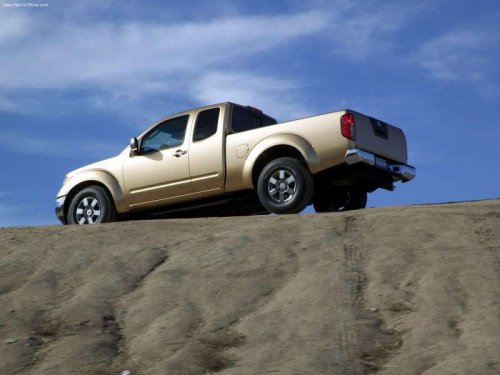
Nissan Frontier
Nissan Frontier
See also:
Tachometer
Tachometer
The tachometer indicates engine speed in revolutions
per minute (rpm). Do not rev the engine
into the red zone 1 .
When engine speed approaches the red
zone, shift to a high ...
Interior trunk lid release
WARNING:
Closely supervise children when they are
around cars to prevent them from playing
and becoming locked in the trunk where
they could be seriously injured. Keep the
car locked, with ...
SENSE AND STYLE
Family Friendly (Not Really, Fair, Great, Excellent): Excellent
Fun-Factor (None, Some, Good Times, Groove-On): Good Times ...