
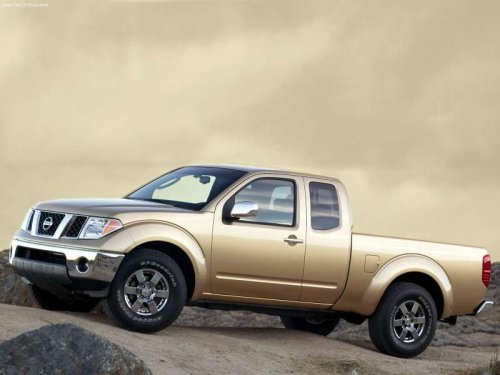
Nissan Frontier
Nissan Frontier
See also:
Automatic operation (if so equipped)
Tilt operation
Push the switch (1) up or down to adjust the
steering wheel to the desired position.
Entry/Exit function
The automatic drive positioner system will make
the steering wheel move ...
Overview
Nissan North America, Inc. (NNA) released information and photography of the
new, refined 2011 Nissan Murano, which is set to go on sale at Nissan dealers
nationwide in mid-October 2010. The secon ...
Remote keyless entry system (if so equipped)
It is possible to lock/unlock all doors (including
the lift gate), and activate the panic alarm by
using the keyfob from outside the vehicle.
Before locking the doors, make sure the
key is not ...