
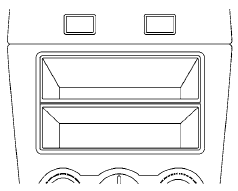
Storage box (if so equipped)
Nissan Altima / Nissan Altima Owners Manual / Instruments and controls / Storage / Storage box (if so equipped)
See also:
Infants
Infants up to at least 1 year old should be placed
in a rear-facing child restraint. NISSAN recommends
that infants be placed in child restraints
that comply with Federal Motor Vehicle Safety
...
Compact disc (CD) player operation
If the radio is already operating, it automatically
turns off and the compact disc begins to play.
CD button:
When the CD button is pressed with the system
off and the compact disc loaded, the s ...
Reformulated gasoline
Some fuel suppliers are now producing reformulated
gasolines. These gasolines are specially
designed to reduce vehicle emissions. NISSAN
supports efforts towards cleaner air and suggests
that you ...