
Brightness button
To change the display brightness, press
the  button. Pressing the button
again will
change the display to the day
button. Pressing the button
again will
change the display to the day  or the
night
or the
night  display.
If no operation is performed within 5 seconds, the display will return to the previous display.
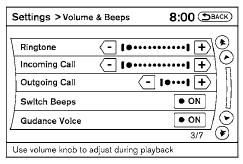
Press and hold the button for
more than
two seconds to turn the display off. Press the
button again to turn the display on.
See also:
Pulling a stuck vehicle
Front
Do not use the tie down hooks for towing or
vehicle recovery.
Front:
Securely install the recovery hook 1 (stored in
the luggage room) as illustrated.
Make sure that the hook is proper ...
Glove box
Open the glove box by pulling the handle. Use the
mechanical key when locking (1) or unlocking (2)-
the glove box.
WARNING:
Keep glove box lid closed while driving to
help prevent injury in ...
Driving on snow or ice
● Wet ice (32°F, 0°C and freezing rain),
very cold snow or ice can be slick and
very hard to drive on. The vehicle will
have much less traction or “grip” under
these conditions ...