
Audio operation precautions
Nissan Altima / Nissan Altima Owners Manual / Monitor, climate, audio, phone and voice recognition systems / Audio system (if so equipped) / Audio operation precautions
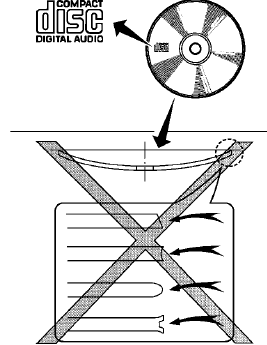
See also:
NISSAN Vehicle Immobilizer System keys
You can only drive your vehicle using the master
keys which are registered to the NISSAN Vehicle
Immobilizer System components in your vehicle.
These keys have a transponder chip in the key
hea ...
Cancel switch
When the switch, located inside the glove box, is
in the OFF position, the power to the trunk lid will
be cancelled. The trunk can only be opened with
the master key or keyfob.
The trunk lid can ...
Lockout protection
To prevent the Intelligent Key from being accidentally
locked in the trunk, lockout protection is
equipped with the Intelligent Key.
When all doors are locked and the trunk lid is
closed with t ...