
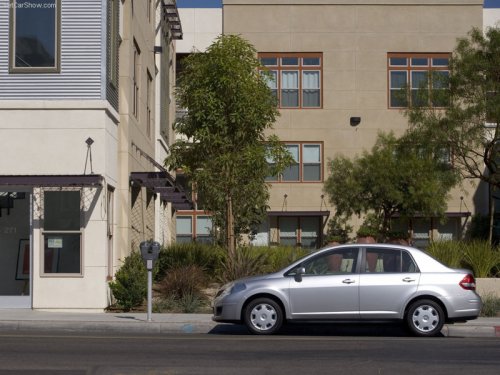
Nissan Versa
Nissan Versa
See also:
On-pavement and off-road driving precautions
Utility vehicles have a significantly higher
rollover rate than other types of vehicles.
They have higher ground clearance than passenger
cars to make them capable of performing
in a variety of ...
Releasing the trunk lid
Press the button for longer than
0.5 seconds
to open the trunk lid. The trunk release
button will not operate when the ignition switch is
in the ON position or when the trunk cancel
switch is ...
Engine block heater (if so equipped)
WARNING
● Do not use your engine block heater
with an ungrounded electrical system
or a 2-pronged adapter. You can be seriously
injured by an electrical shock if
you use an ungrounded conne ...