
Map pockets
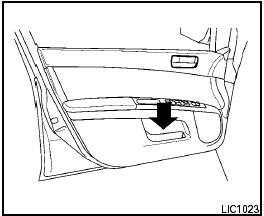
Map pockets
See also:
Checking engine oil level
QR25DE engine
VQ35DE engine
1. Park the vehicle on a level surface and apply
the parking brake.
2. Start the engine and let it idle until it reaches
operating temperature.
3. Turn off the ...
iPod® player operation
Connecting iPod®:
The USB outlet connector is located in the
center console. Open the lid and connect the
iPod® cable to the USB connector. The battery
of the iPod® is charged while the co ...
Loose Fuel Cap warning
The LOOSE FUEL CAP warning appears in the
vehicle information display when the fuel-filler
cap is not tightened correctly after the vehicle has
been refueled. It may take a few driving trips for
...