
Audio operation precautions
Nissan Sentra / Nissan Sentra Owners Manual / Display screen, heater, air conditioner, audio and phone systems / Audio system / Audio operation precautions
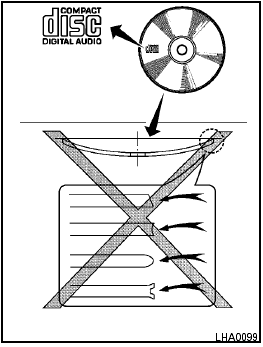
Audio operation precautions
See also:
Platform
Nissan Juke is based on Renault Nissan Alliance B-Platform and has a 2530mm
wheelbase, is 4135mm long, 1765mm wide and 1570mm tall. To allow the top of the
range to use 17-inch wheels and 215/55 R ...
Waxing
Regular waxing protects the paint surface and
helps retain new vehicle appearance. Polishing
is recommended to remove built-up wax residue
and to avoid a weathered appearance before
reapplying ...
Push starting
Do not attempt to start the engine by pushing.
Continuously Variable Transmission
(CVT) models cannot be push-started
or tow-started. Attempting to do so may
cause transmission damage. ...