
Vehicle Dynamic Control (VDC) OFF switch
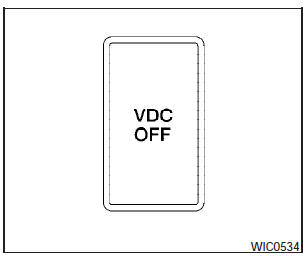
The vehicle should be driven with the Vehicle Dynamic Control (VDC) system on for most driving conditions.
If the vehicle is stuck in mud or snow, the VDC system reduces the engine output to reduce wheel spin. The engine speed will be reduced even if the accelerator is depressed to the floor. If maximum engine power is needed to free a stuck vehicle, turn the VDC system off.
To turn off the VDC system, push the VDC OFF
switch. The  indicator will
come on.
indicator will
come on.
Push the VDC OFF switch again or restart the engine to turn on the system. See Vehicle Dynamic Control (VDC) system in the Starting and driving section.
See also:
If your vehicle overheats
If your vehicle is overheating (indicated by an
extremely high temperature gauge reading) or if
you feel a lack of engine power, detect abnormal
noise, etc., take the following steps.
WARNING:
...
Safety
Antilock brakes are standard. Side-impact and side curtain-type airbags are
standard in the upscale LE edition. LATCH child-safety seat anchors and tethers
are installed. ...
INTERIOR
As fun as the exterior of the Juke is, it's only the beginning. The interior
has just as good a time. It's utilitarian but full of technological features.
My favorite feature in the five-seater i ...