
Map pockets
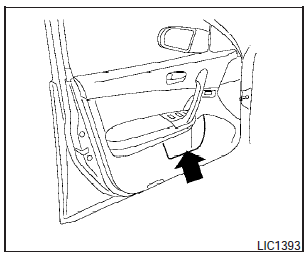
Map pockets
See also:
F.M.V.S.S./C.M.V.S.S. certification label
The Federal/Canadian Motor Vehicle Safety
Standards (F.M.V.S.S./C.M.V.S.S.) certification
label is affixed as shown. This label contains
valuable vehicle information, such as: Gross
Vehicle ...
New for 2010
The Frontier receives only minor changes for 2010, centered around safety
improvements and greater availability of driveline features. ...
Trip computer (if so equipped)
When the ignition switch is placed in the ON
position, modes of the trip computer can be
selected by pushing the trip computer change
button on the instrument panel located near the
speedomete ...