
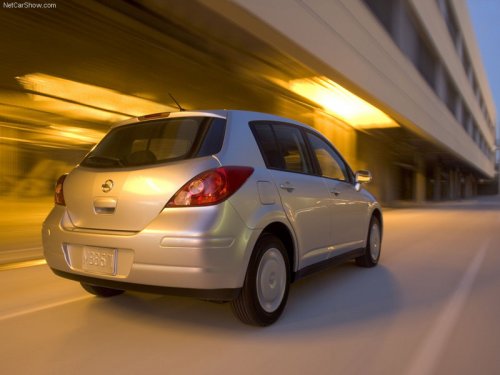
Nissan Versa
Nissan Versa
See also:
General maintenance
During the normal day-to-day operation of the
vehicle, general maintenance should be performed
regularly as prescribed in this section. If
you detect any unusual sounds, vibrations or
smells, ...
Vehicle Dynamic Control (VDC) system (if so
equipped)
The Vehicle Dynamic Control (VDC) system uses
various sensors to monitor driver inputs and vehicle
motion. Under certain driving conditions,
the VDC System helps to perform the following
funct ...
Infants
Infants up to at least 1 year old should be placed
in a rear-facing child restraint. NISSAN recommends
that infants be placed in child restraints
that comply with Federal Motor Vehicle Safety
...