
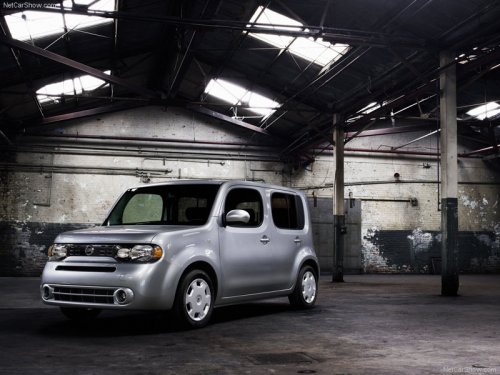
Nissan Cube
Nissan Cube
See also:
Seat belts
The seat belts can be cleaned by wiping them
with a sponge dampened in a mild soap solution.
Allow the belts to dry completely in the shade
before using them. See “Seat belt maintenance”
in ...
Personal Lights
Rear personal lights (sedan only)
To turn the rear personal lights on, press the
switch. To turn them off, press the switch again.
Front map lights ...
Exterior
The Pathfinder's styling is considered an evolution of the previous version,
with short overhangs and pronounced fender flares. The rear door handles are
located vertically on the C-pillars, and t ...