
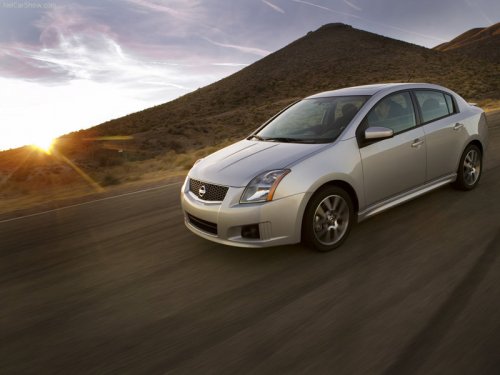
Nissan Sentra
Nissan Sentra
See also:
RearView monitor (if so equipped)
When the selector lever is shifted into the R
(Reverse) position, the monitor display shows
the view to the rear of the vehicle.
The system is designed as an aid to the driver in
detecting larg ...
g (gravity)-force gauge (if so equipped)
g (gravity)-FORCE GAUGE (if so equipped)
This gauge shows the straight-line acceleration
and deceleration g-forces while you are driving.
NOTE:
The g-force gauge does not indicate cornering ...
New V6 diesel engine
The new direct injection V6 turbodiesel has been developed by the Renault
Nissan Alliance to deliver high levels of performance with strong economy,
competitive emissions and class-leading refinem ...