
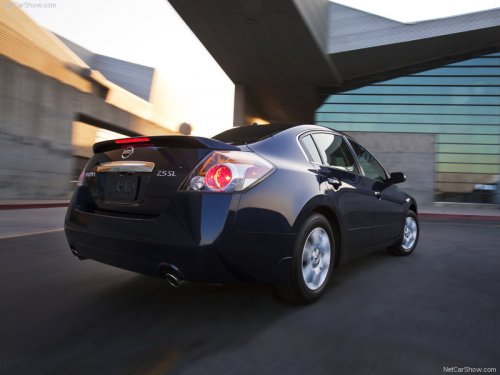
Nissan Altima
Nissan Altima
See also:
Power windows
- Make sure that all passengers have
their hands, etc. inside the vehicle
while it is in motion and before
closing the windows. Use the window
lock switch to prevent unexpected
use of th ...
Compact disc (CD) player operation
If the radio is already operating, it automatically
turns off and the compact disc begins to play.
CD button:
When the CD button is pressed with the system
off and the compact disc loaded, the s ...
Child safety
Children need adults to help protect them.
They need to be properly restrained.
In addition to the general information in this
manual, child safety information is available from
many other sourc ...