
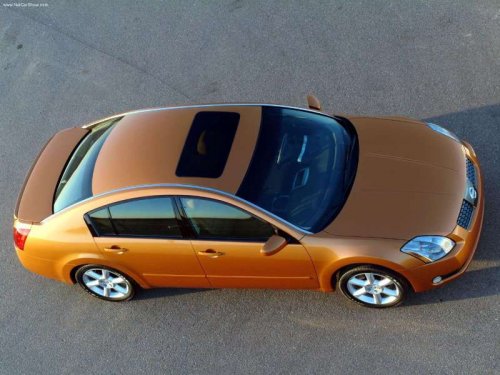
Nissan Maxima
Nissan Maxima
See also:
Air conditioner operation (if so equipped)
Start the engine, turn the fan control dial to the
desired position, and push in the button to
activate the air conditioner. When the air conditioner
is on, cooling and dehumidifying functions ...
NISSAN Intelligent key battery discharge
If the battery of the Intelligent Key is almost discharged,
the guide light (A) of the Intelligent Key
port blinks and the indicator appears on the vehicle
information display. See Vehicle inf ...
Overview
Nissan North America, Inc. (NNA) released information and photography of the
new, refined 2011 Nissan Murano, which is set to go on sale at Nissan dealers
nationwide in mid-October 2010. The secon ...