
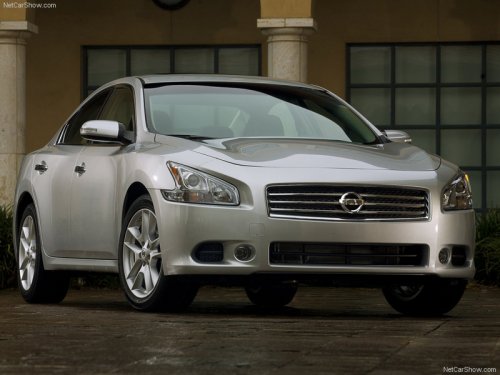
Nissan Maxima
Nissan Maxima
See also:
Side ventilators
Side ventilators
Open or close, and adjust the air flow direction
of ventilators as illustrated. ...
Opening windows (if so equipped)
The Intelligent Key allows you to open windows
equipped with automatic operation simultaneously.
● To open the windows, press the
button
on the Intelligent Key longer than 3
seconds after ...
Using the system
Initialization
When the ignition switch is placed in the ON
position, NISSAN Voice Recognition is initialized,
which takes a few seconds. When completed,
the system is ready to accept voice com ...