
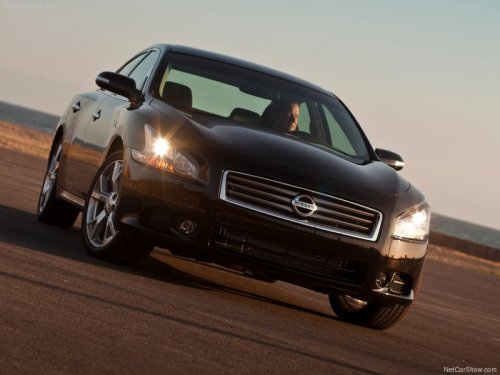
Nissan Maxima
Nissan Maxima
See also:
Child safety rear door lock
Child safety rear door lock
Child safety locks help prevent the rear doors
from being opened accidentally, especially when
small children are in the vehicle.
The child safety lock levers are l ...
Anti-freeze
In the winter when it is anticipated that the temperature
will drop below 32°F (0°C), check the
anti-freeze to assure proper winter protection.
For details, see Engine cooling system in the
M ...
Rear Control Cancel Switch (if so equipped)
The rear control cancel switch operates when the
ignition switch is placed in the ACC or ON position.
The rear control cancel switch is located on the
left side of the instrument panel.
Pushin ...