
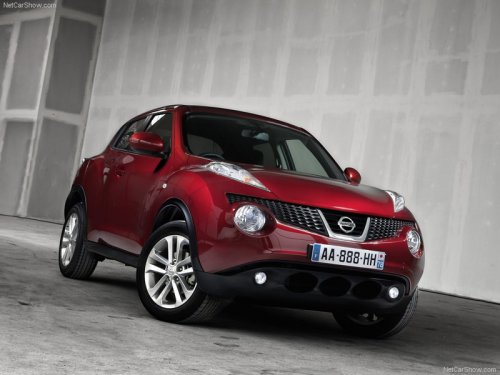
Nissan Juke
Nissan Juke / Gallery / Nissan Juke
Nissan Juke
See also:
Electric moonroof
Electric moonroof
This moonroof only operates with the ignition
switch placed in the ON position.
NOTE:
If the battery is discharged or is disconnected,
the moonroof may not operate correctl ...
Safety
Standard features include dual-stage front airbags, seat-mounted side-impact
airbags and side curtain-type airbags. The seat belts have pretensioners and
load limiters. Active head restraints for ...
Passenger compartment
Passenger compartment
1. Rear window defroster switch.
2. Interior trunk lid release.
3. Trunk lid.
4. Vehicle loading.
5. Exterior trunk lid release/request button.
6. Replacing bulbs.
7. Fu ...