
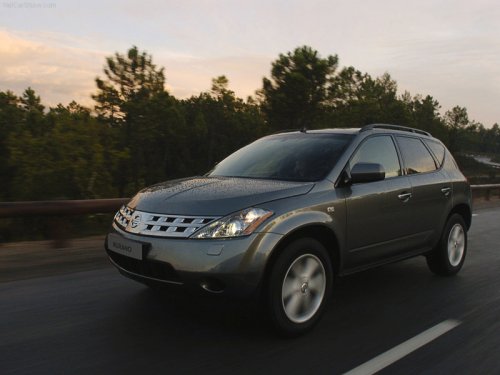
Nissan Murano
Nissan Murano
See also:
Vehicle Overview
Nissan added the Murano crossover sport utility vehicle to its lineup in
December 2002. Infiniti, Nissan’s luxury division, soon followed with its FX35
and FX45, two other crossover vehicles tha ...
Touch screen maintenance
If you clean the display screen, use a dry, soft
cloth. If additional cleaning is necessary, use a
small amount of neutral detergent with a soft
cloth. Never spray the screen with water or deter ...
Rear seat air conditioner (if so equipped)
The rear seat passengers can adjust the climate
control system using the climate controls in the
rear armrest panel.
1. AUTO button.
2. button.
3. switch.
For information on canceling the re ...