
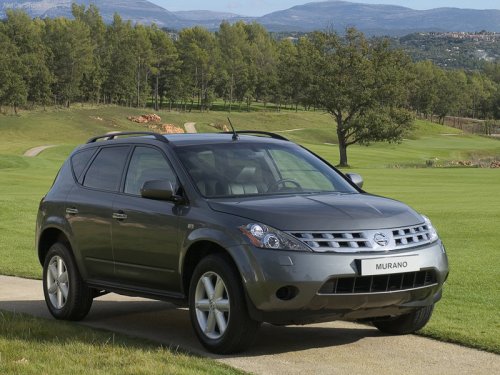
Nissan Murano
Nissan Murano
See also:
Freeing a frozen door lock
To prevent a door lock from freezing, apply deicer
through the key hole. If the lock becomes
frozen, heat the key before inserting it into the key
hole, or use the remote keyless entry keyfob (i ...
Washing
Wash dirt off with a wet sponge and plenty of
water. Clean the vehicle thoroughly using a mild
soap, a special vehicle soap or general purpose
dishwashing liquid mixed with clean, lukewarm
(ne ...
Compass display (if so equipped)
This unit measures terrestrial magnetism and indicates
the direction of the vehicle’s heading.
With the ignition switch placed in the ON position,
press the button as described in
the
chart b ...