
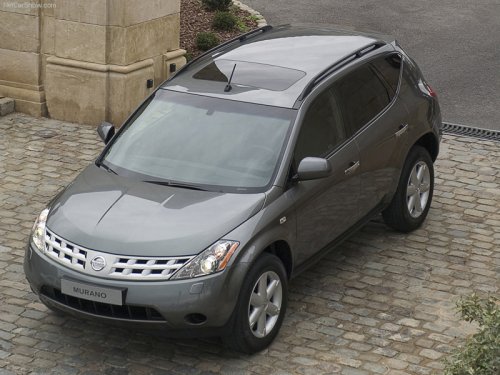
Nissan Murano
Nissan Murano
See also:
Brake fluid
Check the brake fluid level in the reservoir. If the
brake warning light comes on, add Genuine
NISSAN Super Heavy Duty Brake Fluid or
equivalent DOT 3 fluid up to the MAX line A . If
fluid m ...
OFF position
When the switch is in the OFF position 3 , the
map lights will not illuminate, regardless of the
condition. ...
Troubleshooting guide
The system should respond correctly to all voice
commands without difficulty. If problems are encountered,
follow the solutions given in this guide
for the appropriate error.
Where the solutions a ...