
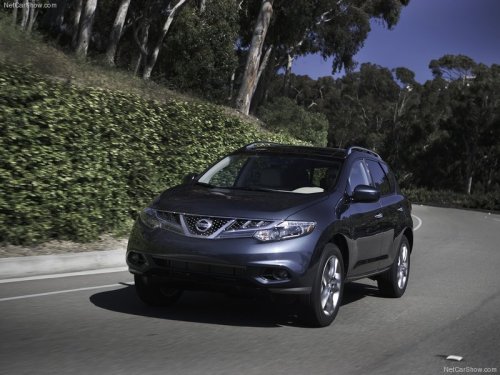
Nissan Murano
Nissan Murano
See also:
How to use the vehicle information display
Press the button, located
on the instrument
panel just behind the steering wheel, to
display the following modes:
MPG - MPG/MPH - Time/Miles - Range - Exterior Temperature - Setting - Warnin ...
Connecting iPod®
To connect an iPod® to the vehicle so that the
iPod® can be controlled with the audio system
controls and display screen, use the USB jack
located in the center console. Open the
protectiv ...
Handset phonebook
Many phones will support an automatic download
of the cellular phone’s phonebook. Since
this method allows for up to 1000 numbers to be
stored and entries are automatically assigned
voice tags b ...