
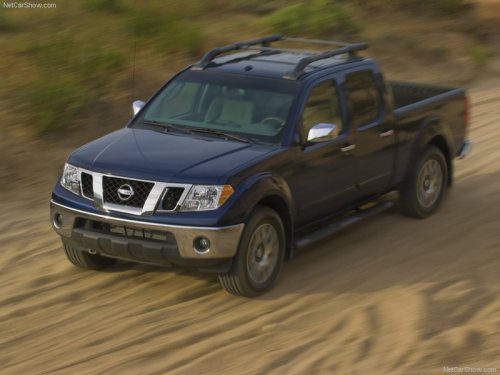
Nissan Frontier
Nissan Frontier
See also:
2011 Nissan Juke review By Sara Lacey
The all-new 2011 Nissan Juke is as fun to drive as any other small, sporty
car in the market. With its raised ground clearance and rally-inspired design,
the Juke feels like it can go anywhere, wh ...
Child restraints
...
Infants
Infants up to at least 1 year old should be placed
in a rear-facing child restraint. NISSAN recommends
that infants be placed in child restraints
that comply with Federal Motor Vehicle Safety
...