
Locking doors
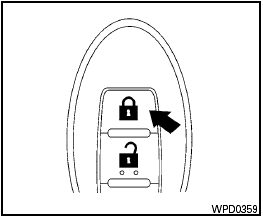
Locking doors
1. Place the ignition switch in the LOCK position.
2. Close all doors.
3. Press the  button on the
Intelligent
Key.
button on the
Intelligent
Key.
4. The hazard warning lights flash twice and the horn beeps once.
5. All doors will be locked.

After locking the doors using the Intelligent Key, be sure that the doors have been securely locked by operating the door handles.
See also:
Pulling a stuck vehicle
Front
Do not use the tie down hooks for towing or
vehicle recovery.
Front:
Securely install the recovery hook 1 (stored in
the luggage room) as illustrated.
Make sure that the hook is proper ...
Tire rotation
Tire rotation
NISSAN recommends rotating the tires
every 7,500 miles (12,000 km).
See “Flat tire” in the “In case of emergency”
section of this manual for tire replacing
procedures.
...
Exterior rear
Exterior rear
1. Lift gate
— Intelligent Key system*
2. Rear view camera*
3. Rear window wiper and washer
— Switch operation
— Window washer fluid
4. Rear window defroster
5. Hi ...