
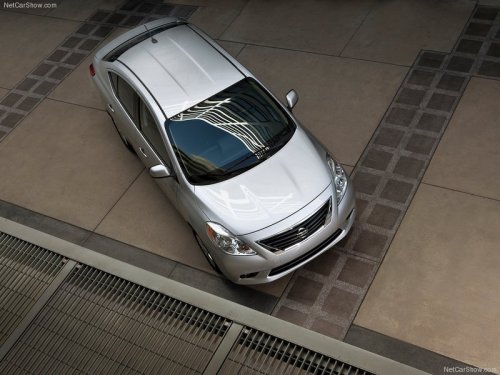
Nissan Versa
Nissan Versa
See also:
Using the panic alarm
If you are near your vehicle and feel threatened,
you may activate the panic alarm to call attention
by pressing and holding the button
on the
Intelligent Key for longer than 0.5 seconds.
The ...
Power outlet
Instrument panel
The power outlets are for powering electrical
accessories such as cellular telephones. They
are rated at 12 volt, 120W (10A) maximum. The
console outlet is powered directly by t ...
Wet brakes
When the vehicle is washed or driven through
water, the brakes may get wet. As a result, your
braking distance will be longer and the vehicle
may pull to one side during braking.
To dry the bra ...