
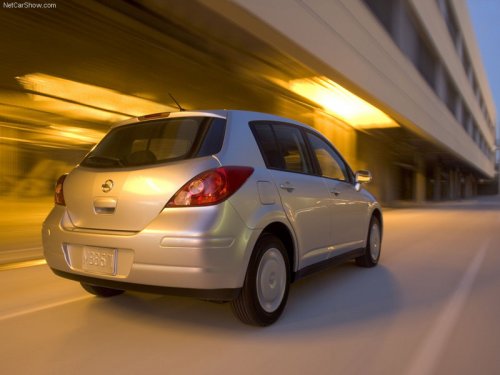
Nissan Versa
Nissan Versa
See also:
Troubleshooting guide
Verify the location of all Intelligent Keys that are
programmed for the vehicle. If another Intelligent
Key is in range or inside the vehicle, the vehicle
system may respond differently than exp ...
Cargo & Towing
The Altima's trunk measures 15.3 cubic feet, which is average for the class,
but it shrinks to 13.1 cubic feet with the full-size spare tire that's included
with the optional stability system. (St ...
Keys
Keys
1. Two Intelligent Keys.
2. Mechanical keys with built-in transponder
chip (inside Intelligent Keys).
3. Key number plate. ...