
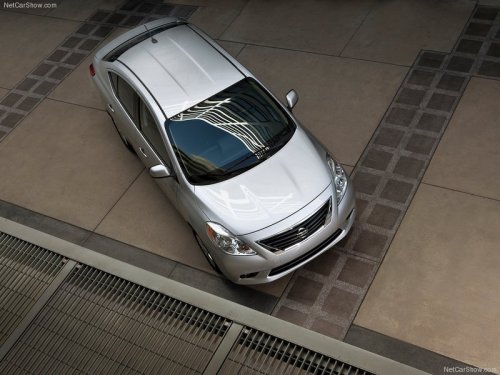
Nissan Versa
Nissan Versa
See also:
Precautions when starting and driving
● Do not leave children or adults who
would normally require the assistance
of others alone in your vehicle. Pets
should also not be left alone. They
could accidentally injure themse ...
2011 Nissan Rogue review
I've got nothing but respect for people who look forward to spending a
Saturday testing out crossovers that cost more than 20 grand; the segment has
more players than a baseball team, and most ble ...
Removing spots
Remove tar and oil spots, industrial dust, insects,
and tree sap as quickly as possible from the
surface of the paint to avoid lasting damage or
staining. Special cleaning products are available
a ...