
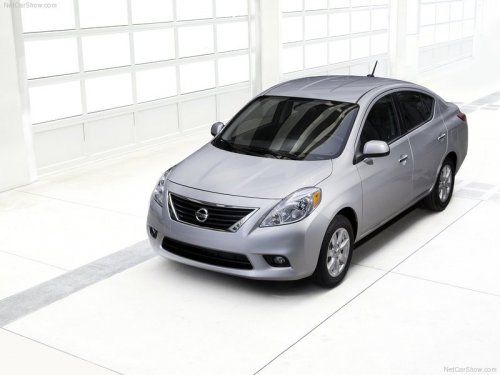
Nissan Versa
Nissan Versa
See also:
Forward-facing child restraint installation using the seat belts
WARNING:
The three-point seat belt with Automatic
Locking Retractor (ALR) must be used
when installing a child restraint. Failure to
use the ALR mode will result in the child
restraint not be ...
Compact disc (CD) changer operation
Place the ignition switch in the ACC or ON
position and press the LOAD button, then press
one of the CD insert (1 6) slots. Insert the
compact disc into the slot with the label side
facing up. ...
Instrument brightness control
The instrument cluster illuminates when the ignition
switch is placed in the ON position.
The instrument brightness control operates when
the headlight control switch is in the
AUTO or
positi ...