
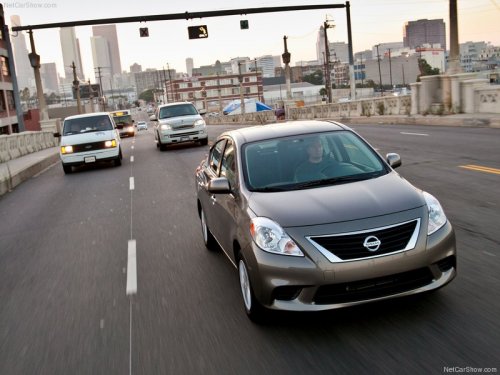
Nissan Versa
Nissan Versa
See also:
Precautions on cruise control
● If the cruise control system malfunctions, it
cancels automatically. The SET indicator
light in the instrument panel then blinks to
warn the driver.
● If the SET indicator light blin ...
The Inside
Certain elements of the Sentra's cabin drew criticism from staff members,
including the loud, cheap-sounding noise emanating from the gear selector when
moved from Park to Drive, the appearance of ...
Exterior and interior lights
Coupe
1. Mirror-mounted turn signal light
(if so equipped)
2. Interior light
3. Map light
4. Headlamp assembly
5. Fog light (if so equipped)
6. Step light
7. High-mount stoplight
8. Trunk ...