
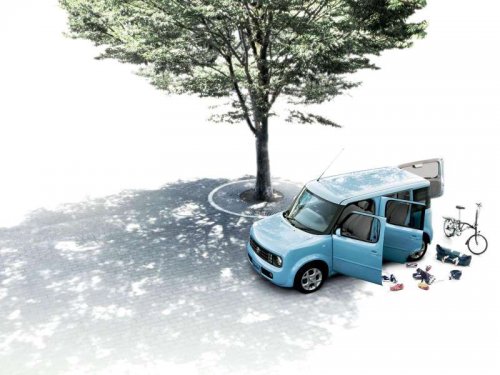
Nissan Cube
Nissan Cube
See also:
Pulling a stuck vehicle
Front
Rear
To avoid vehicle damage, serious personal
injury or death when recovering a
stuck vehicle.
● Contact a professional towing service
to recover the vehicle if you have ...
Heater operation
Heating
This mode is used to direct heated air to the foot
outlets. Some air also flows from the defrost
outlets and the side vent outlets.
1. Press the button to the OFF
position
for normal h ...
Safety chains
Always use suitable safety chains between your
vehicle and the trailer. The safety chains should
be crossed and should be attached to the hitch,
not to the vehicle bumper or axle. Be sure to lea ...