
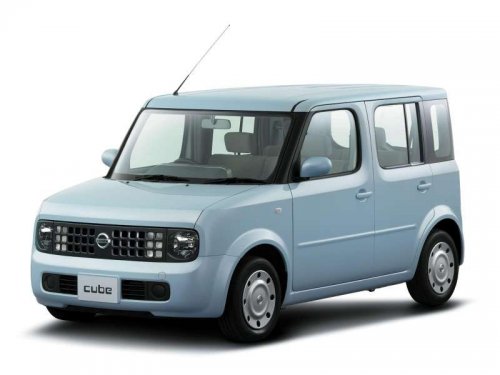
Nissan Cube
Nissan Cube
See also:
NISSAN vehicle immobilizer system
The NISSAN Vehicle Immobilizer system will not
allow the engine to start without the use of the
registered key.
If the engine fails to start using a registered key
(for example, when interferen ...
“Connect Phone”
NOTE:
The Add Phone command is not available
when the vehicle is moving.
Use the Connect Phone commands to manage
the phones connecting to the vehicle or to enable
the Bluetooth function on the ...
Sunshade
Open and close the sunshade by sliding it forward
or backward. ...