
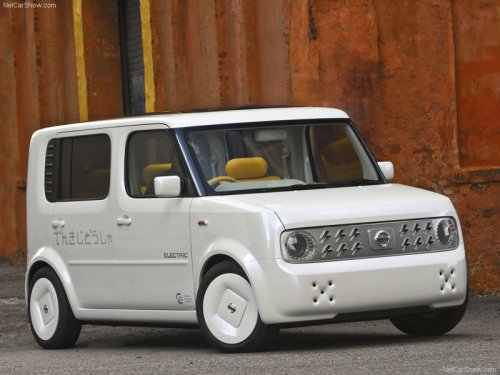
Nissan Cube
Nissan Cube
See also:
Getting started
The following procedures will help you get
started using the Bluetooth® Hands-Free Phone
System with NISSAN Voice Recognition. For
additional command options, refer to “List of
voice comman ...
Clearing the programmed information
Individual buttons cannot be cleared. However,
to clear all programming, press and hold the two
outside buttons and release when the indicator
light begins to flash (approximately 20 seconds). ...
Control buttons
The control buttons for the Bluetooth Hands-
Free Phone System are located on the steering
wheel.
PHONE/SEND
Press the button to
initiate
a VR session or answer an incoming
call.
Y ...