
Nissan Altima
Nissan Altima
See also:
NISSAN Intelligent Key™ operation
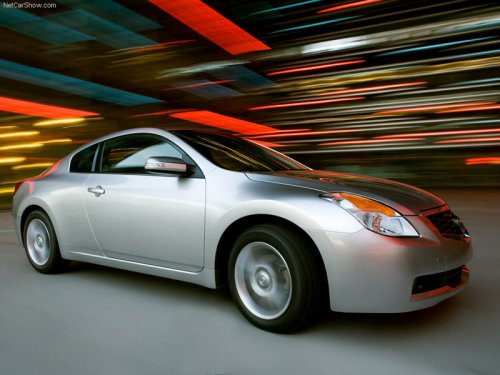
Coupe shown, Sedan similar
You can lock or unlock the doors without taking
the key out of your pocket or bag.
When you carry the Intelligent Key with you, you
can lock or unlock all doors by pus ...
The Inside
The SE-R is dolled-up with a black interior and sport bucket seats. The cloth
upholstery, embroidered with the SE-R logo, is a step up from the regular
Sentra, but I found the seats marginal in te ...
Warning signals
To help prevent the vehicle from moving unexpectedly
by erroneous operation of the Intelligent
Key or to help prevent the vehicle from being
stolen, a chime or buzzer sounds from inside and
outsid ...