
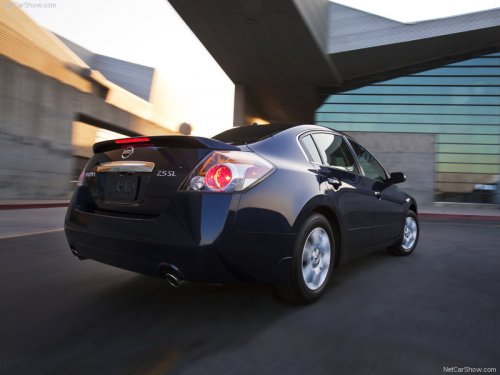
Nissan Altima
Nissan Altima
See also:
Hood
1 Pull the hood lock release handle located
below the driver’s side instrument panel; the
hood springs up slightly.
2 Lift the lever at the front of the hood with your
fingertips and raise the ...
Stopping the vehicle
1. Safely move the vehicle off the road and
away from traffic.
2. Turn on the hazard warning flashers.
3. Park on a level surface and apply the parking
brake. Move the selector lever to the P
...
NISSAN Voice Recognition Standard Mode
The Standard Mode enables control of navigation,
phone and vehicle information. With this
setting active, commands that are available are
always shown on the display and announced by
the system. ...