
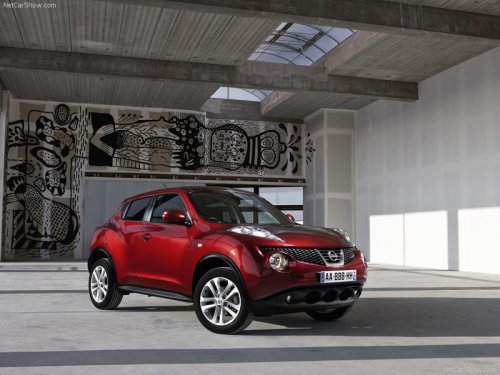
Nissan Juke
Nissan Juke / Gallery / Nissan Juke
Nissan Juke
See also:
Defrosting or defogging
This mode directs the air to the defrost outlets
and outboard vents to defrost/defog the windows.
1. Turn the air flow control dial to the
position.
2. Turn the fan control dial to the desired ...
Freeing a frozen door lock
To prevent a door lock from freezing, apply deicer
through the key hole. If the lock becomes
frozen, heat the key before inserting it into the key
hole or use the remote keyless entry function on
...
Front-side view
Front-side view
Guiding lines:
Guiding lines that indicate the width and the
front end of the vehicle are displayed on the
monitor.
The front-of-vehicle line 1 shows the front part
of the v ...