
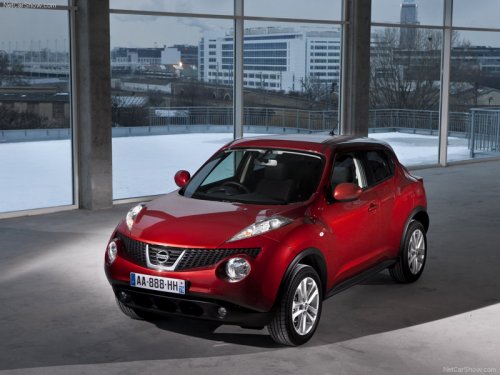
Nissan Juke
Nissan Juke / Gallery / Nissan Juke
Nissan Juke
See also:
Before starting the engine
- Make sure the area around the vehicle is
clear.
- Check fluid levels such as engine oil, coolant,
brake fluid, and window washer fluid as
frequently as possible, or at least whenever
you re ...
Display settings
Select the “Display” key. On the screen above,
select the “Display Adjustment” key. The Display
Adjustment screen will appear.
Brightness/contrast:
Select the “Brightness” key or t ...
Frontier in the Market
The Frontier is the right-size truck for an urban environment, and with the
available V-6 engine it offers decent capability, too, with a large 6,500-pound
maximum towing capacity and a 1,541-poun ...