
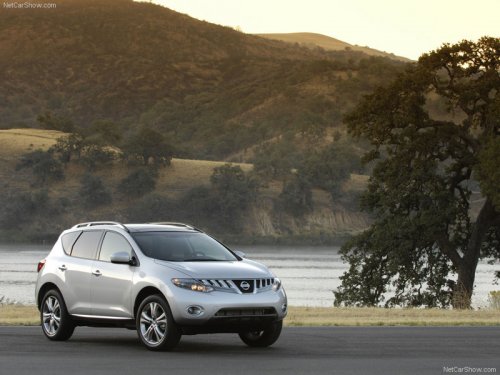
Nissan Murano
Nissan Murano
See also:
Fuel recommendation
NISSAN recommends the use of premium unleaded
gasoline with an octane rating of at least
91 AKI (Anti-Knock Index) number (Research
octane number 96). If unleaded premium gasoline
is not avail ...
Clearing the programmed information
Individual buttons cannot be cleared. However,
to clear all programming, press and hold the two
outside buttons and release when the indicator
light begins to flash (approximately 20 seconds). ...
Three-way catalyst
The three-way catalyst is an emission control
device installed in the exhaust system. Exhaust
gases in the three-way catalyst are burned at
high temperatures to help reduce pollutants.
` ...