
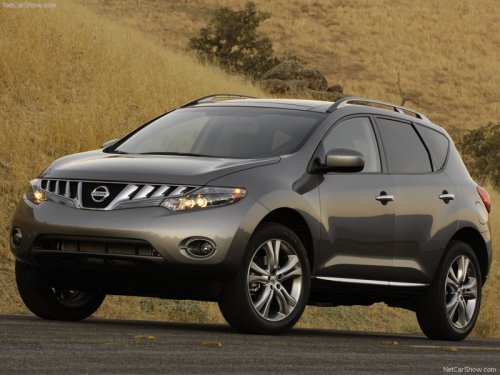
Nissan Murano
Nissan Murano
See also:
Supplemental air bag warning labels
Warning labels about the supplemental frontimpact
air bag system are placed in the vehicle as
shown in the illustration.
...
High Points
Though it has cheaper rear drum brakes — the norm for this class — the Versa
stops confidently, with strong, linear pedal feel. Ride comfort is another plus.
The last Versa was a soft car, and ...
FM radio reception
Range: FM range is normally limited to 25 – 30 mi
(40 – 48 km), with monaural (single channel) FM
having slightly more range than stereo FM. External
influences may sometimes interfere with ...