
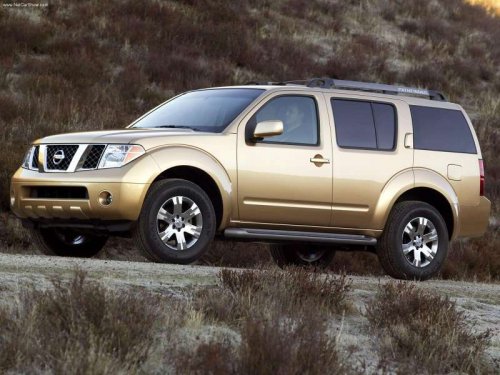
Nissan Pathfinder
Nissan Pathfinder
See also:
2008 Nissan Sentra review
This review focuses on the sportiest Sentra trim level, the SE-R Spec V. I
already reviewed the regular 2007 Sentra, and that model is mostly unchanged for
2008. For more on the Sentra, read that ...
Summer tires
NISSAN specifies summer tires on some models
to provide superior performance on dry roads.
Summer tire performance is substantially reduced
in snow and ice. Summer tires do not have
the tire tr ...
Engine serial number
The number is stamped on the engine as shown. ...