
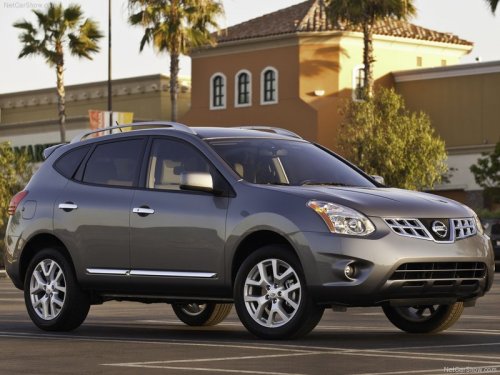
Nissan Rogue
Nissan Rogue
See also:
Bluetooth settings
To set up the Bluetooth Hands-Free Phone
System to your preferred settings, press the SETTING
button on the instrument panel and select
the “Bluetooth” key on the display.
Bluetooth:
Turn t ...
Removing covers from rear parcel shelf
Remove the top tether anchor cover or key cylinder
cover as follows:
1. Lift the cover to the full open position.
2. Rotate the cover in the direction shown,
disengaging the hinge at 1 and sli ...