
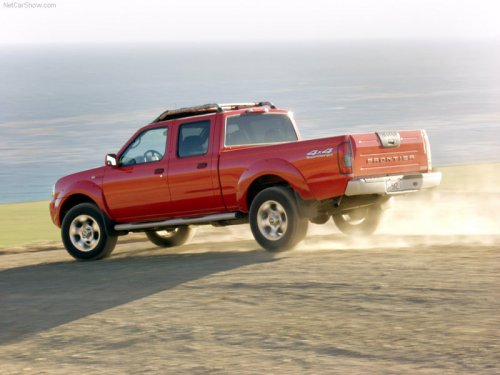
Nissan Frontier
Nissan Frontier
See also:
Locking passengers’ windows
When the lock button C is pushed in, only the
driver side window can be opened or closed.
Push it in again to cancel. ...
Cargo
Given that all three cars are space-efficient, the Cube's smallest-in-group
exterior size has to hurt something. It does — the cargo space. Nissan says
volume behind the second row totals just 1 ...
Maximum Gross Vehicle Weight (GVW)/maximum Gross Axle Weight (GAW)
The GVW of the towing vehicle must not exceed
the Gross Vehicle Weight Rating (GVWR)
shown on the F.M.V.S.S./C.M.V.S.S. certification
label. The GVW equals the combined weight of
the unloade ...