
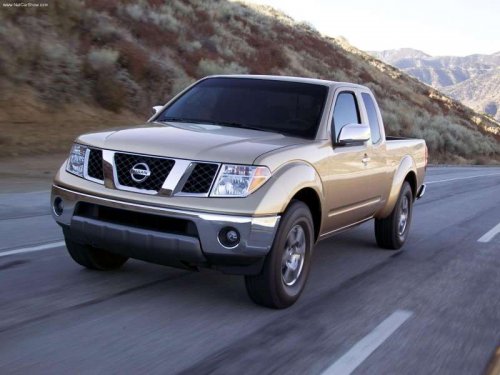
Nissan Frontier
Nissan Frontier
See also:
Parking/parking on hills
● Do not stop or park the vehicle over
flammable materials such as dry grass,
waste paper or rags. They may ignite
and cause a fire.
● Safe parking procedures require that
b ...
Giving voice commands
1. Press the switch
located on the steering
wheel.
2. A list of commands appears on the screen,
and the system announces, Would you like
to access Phone, Navigation, Information,
Audio ...
Head restraints
WARNING
Head restraints supplement the other vehicle
safety systems. They may provide
additional protection against injury in certain
rear end collisions. Adjust the head
restraints properly, as ...