
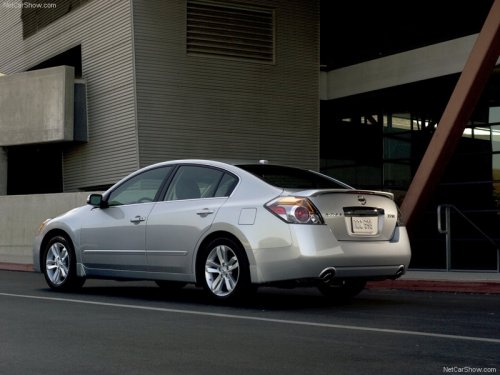
Nissan Altima
Nissan Altima
See also:
Event Data Recorders (EDR)
GUID-D562961D-9AFE-4754-8C59-8C01CE2FEDDB
This vehicle is equipped with an Event Data
Recorder (EDR). The main purpose of an EDR is
to record, in certain crash or near crash-like
situations, s ...
Storage pouch (if so equipped)
A storage pouch is located on the front of the
driver’s and passenger’s seats.
WARNING
Do not store angular, sharp, heavy objects
or objects that cannot fully fit inside the
pouch because t ...
Uniform tire quality grading
DOT (Department of Transportation) Quality
Grades: All passenger car tires must conform to
federal safety requirements in addition to these
grades.
Quality grades can be found where applicable ...