
Audio operation precautions
Nissan Sentra / Nissan Sentra Owners Manual / Display screen, heater, air conditioner, audio and phone systems / Audio system / Audio operation precautions
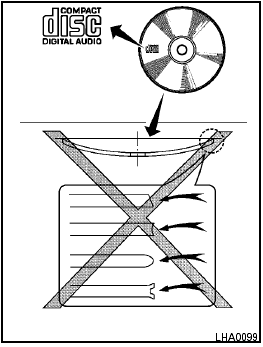
Audio operation precautions
See also:
Tire and loading information label
Sedan
Coupe
The cold tire pressure is shown on the Tire and
Loading Information label. The label is located as
shown. ...
Replacing spark plugs
Iridium-tipped spark plugs
It is not necessary to replace iridium-tipped (A)
spark plugs as frequently as conventional type
spark plugs because they last much longer. Follow
the maintenance l ...
Meters and gauges
Meters and gauges
1. Tachometer
2. Vehicle information display
3. Speedometer
4. Warning/indicator lights
5. Engine coolant temperature gauge
6. switch (twin trip odometer
control and ...