
Map pockets
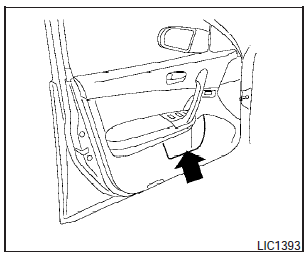
Map pockets
See also:
Injured persons
NISSAN recommends that injured persons use
seat belts. Check with your doctor for specific
recommendations. ...
Vehicle loading information
- It is extremely dangerous to ride
in a cargo area inside the vehicle.
In a collision, people riding
in these areas are more likely to
be seriously injured or killed.
- Do not allow peopl ...
Operating tips
● Keep the windows and moonroof closed
while the air conditioner is in operation.
● After parking in the sun, drive for 2 or 3
minutes with the windows open to vent hot
air from the ...