
Console light
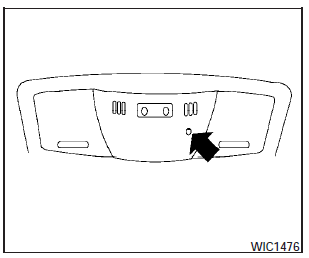
The console light (1) will turn on whenever the parking lights or headlights are illuminated.
The console light brightness can be adjusted with the illumination brightness control.
See also:
Compact disc with MP3 or WMA (if so equipped)
Terms:
● MP3 — MP3 is short for Moving Pictures
Experts Group Audio Layer 3. MP3 is the
most well-known compressed digital audio
file format. This format allows for near “CD
quality ...
Rear folding seat system (if so equipped)
Interior trunk access (if so equipped)
The trunk can be accessed from the rear seat for
loading and unloading, as shown.
1. Stow the outboard seat belts with the clip
before folding the rear s ...
iPod * player operation with Navigation System (if so equipped)
...