
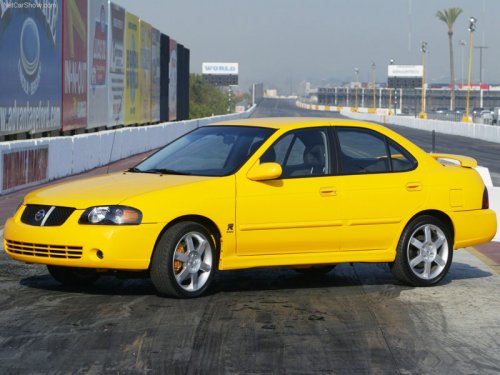
Nissan Sentra
Nissan Sentra
See also:
Safety, Features & Pricing
The 2012 Versa sedan has not yet been tested by the Insurance Institute for
Highway Safety or the National Highway Traffic Safety Administration. Per
federal requirements, an electronic stability ...
Under the Hood
A 3.5-liter V-6 engine sends 245 horsepower to Nissan’s Xtronic CVT, which
has no gears but works with a steel belt and twin pulleys. An available Vehicle
Dynamic Control system improves stabili ...
Precautions on seat belt usage
If you are wearing your seat belt properly
adjusted, and you are sitting upright and well
back in your seat with both feet on the floor, your
chances of being injured or killed in an accident
...