
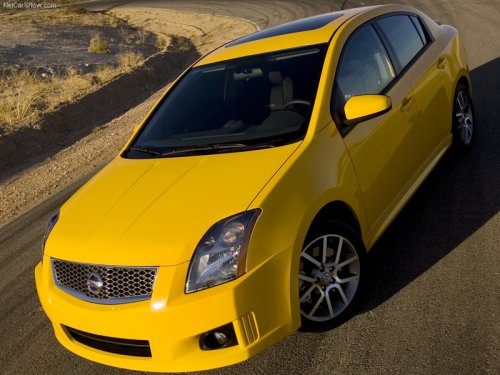
Nissan Sentra
Nissan Sentra
See also:
Cube Krom in the Market
The Krom seems like a very expensive version of the Cube, and I wonder if it
does enough to justify its higher price. Standard features that are optional on
the next trim level down go for $1,600 ...
Instrument panel
Instrument panel
1. Side and center vents.
2. Headlight/fog light (if so equipped)/turn
signal switch.
3. Steering wheel switch for audio control
and Bluetooth Hands-Free Phone
System.
4. ...
Rear window and outside mirror (if so equipped) defroster switch
Type A
To defrost the rear window glass and outside
mirrors (if so equipped), start the engine and
push the rear window defroster switch on. The
rear window defroster indicator light on the
...